

How Admin can Enable / Disable Checkout Fields
How admin can select which fields to remove during checkout virtual & downloadable products using Express Checkout For WooCommerce plugin.
By default, when purchasing a virtual or downloadable product, if Express Checkout For WooCommerce is activated, then only the name and email fields are shown on the checkout page.
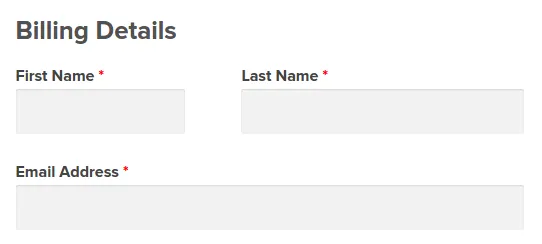
If you want to enable other fields on checkout page, follow these steps
Step 1 : Go to WooCommerce > Settings > Payments > Payment methods > Express Checkout Fields Settings
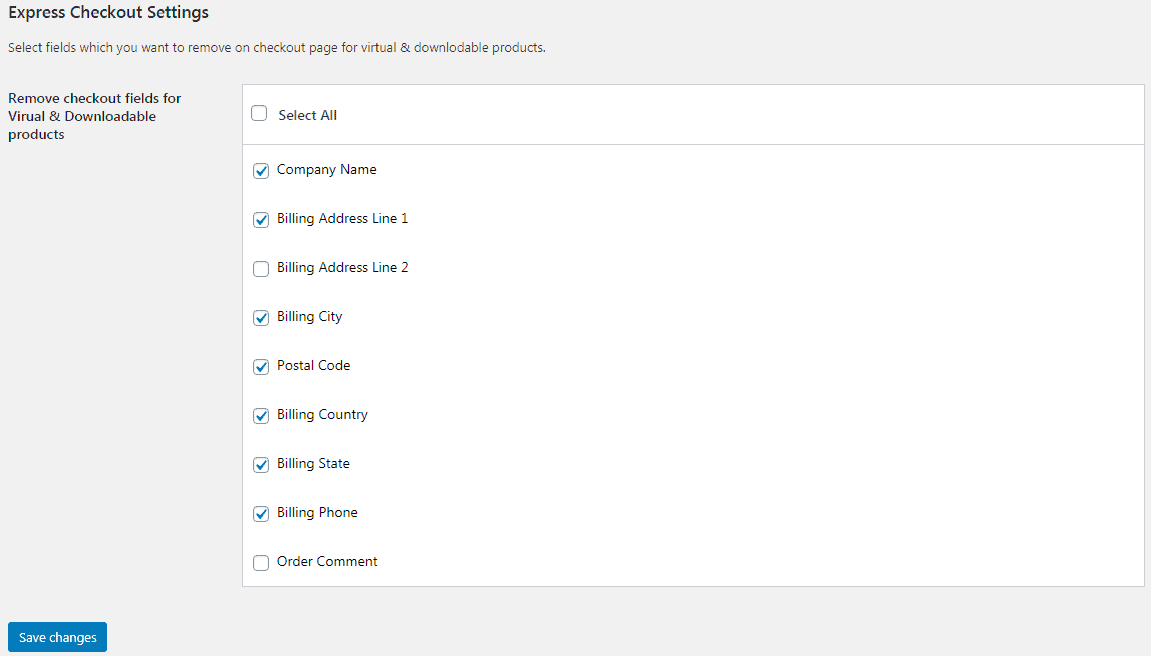
Step 2 : By default, all marked fields are removed from the checkout page. Uncheck the fields you want to show on the checkout page and click on Save changes.
That’s it!
You can see these changes on the checkout page after adding a virtual and downloadable product to cart.