

Tag
WooCommerce Subscriptions
Posts

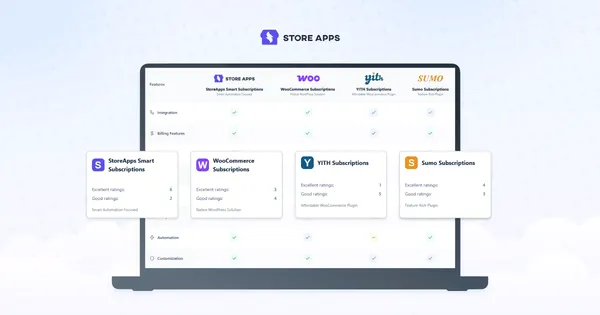
A subscription sounds simple, until payments fail, customers want to pause, plans change, or someone asks for a custom subscription box. So, we put both plugins through those “what if?” moments.

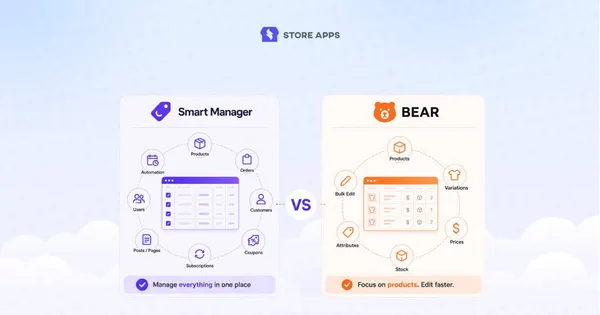
Both plugins edit WooCommerce products from a spreadsheet. But one stops there. Compare WPMelon Advanced Bulk Edit vs Smart Manager to see which one actually runs your store.

Compare the top WordPress affiliate plugins, including Affiliate for WooCommerce, AffiliateWP, Easy Affiliate, SliceWP, and Affiliates Manager, to choose the right solution for your business.
Want WooCommerce recurring payments with Stripe without paying for complex subscription plugins? Here’s a simpler, cost-effective way to set it up.
To create a WooCommerce subscription box, set up a WooCommerce store, install a subscription plugin, connect a recurring payment gateway, create a subscription product, and define your billing, pricing, and shipping rules. This guide also covers product ideas, best practices, pricing, and key metrics for growing a successful subscription business.



Learn how to reduce churn in your WooCommerce subscription business. From failed payment recovery with dunning and data‑driven insights, you’ll learn how to keep subscribers engaged, loyal and paying month after month.
Trying to choose a YITH WooCommerce Subscriptions alternative? Compare features, pricing, setup, and subscription management to find the right fit.





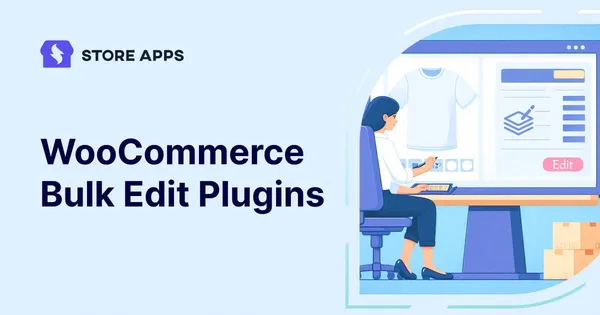
Editing WooCommerce products one by one? Yeah, nobody has time for that. Learn how to bulk edit products, prices, stock, categories, orders, and more, without the repetitive clicking.


Learn about the digital wallet system. Explore the best WooCommerce wallet plugins for your brand. The article also discusses the alternative—WooCommerce store credit to enhance your marketing efforts.
Get to know how WooCommerce memberships work and how to set them up to grow your business. Plus, see how the Smart Manager plugin makes managing memberships easier and faster.