

Author
Posts by Akshat Kothari
Page 2
Turn your default WooCommerce thank you page into a better post-purchase experience. Learn simple ways to add branding, offers, upsells, and custom content after checkout.
Your checkout page isn’t just a form—it’s the final sales pitch. Learn how to customize it like a pro using WooCommerce settings, plugins like Cashier, or a sprinkle of code.
Learn how backorders work in WooCommerce — from enabling them on simple and variable products to managing negative stock and bulk-editing at scale.
Learn how Adeptive helped clients save hours of work with Smart Manager plugin for WordPress content management. With its Excel-like interface and bulk editing features, managing products and posts became faster, easier, and far more efficient.

Discover how the Smart Offers plugin empowers you to create powerful buy one get one (BOGO) offers and its combinations on your WooCommerce store in a simple way.
Maximize your WooCommerce sales by choosing WooCommerce redirect after checkout! This blog answers your questions about which pages to use and the easiest way to set up WooCommerce redirect after checkout.


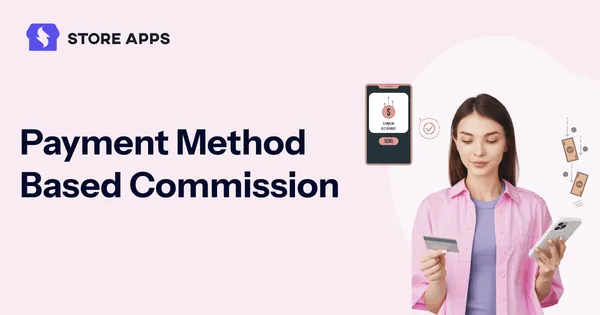
Want to boost profits and cut down COD headaches? With payment method based commissions, you can reward affiliates more for prepaid orders and skip payouts for other methods or risky COD sales.

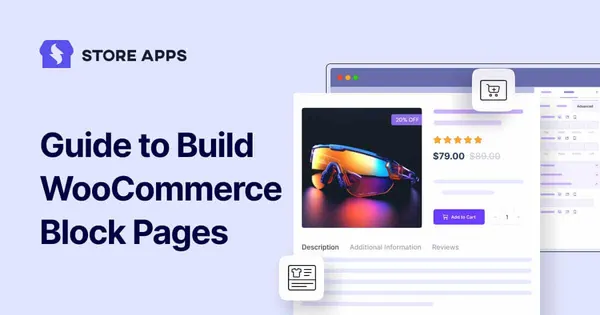
This article will walk you through the easy way to export WooCommerce products, variations, images, categories, attributes, orders, customers, coupons, subscriptions. That too with an advanced CSV export plugin.
Learn the basics of how to get WooCommerce product ID, SKUs and price using simple code solutions. Get started with Smart Manager for all-in-one bulk edit and store management.



Using Stripe on your WooCommerce store? Learn how to set up an affiliate program, track referrals, and pay commissions — quickly and efficiently.
Want to keep your discounts in check and still boost customer loyalty? Learn how WooCommerce individual use coupon work and how to bypass them to allow desired users to apply multiple coupons.
WooCommerce export subscriptions worries? Gone! This guide makes it easy, giving you key revenue insights and streamlining your business. Hello data-driven decisions!